

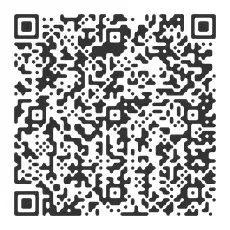
WINBOX’s multifunctional QR code functions are “promotion”, “transfer” and “add friend”
The third party has its own QR code, and can use WeChat scan or other application software to recognize the QR code to register and download the platform, and become its recommender
Click on the top right of your WINBOX personal account, click “Save to Album”, so that you can post it to social media or let your friends scan the QR code to register, become a recommender for most user groups, and get more income
How to use QR code to transfer money?


STEP 1:
STEP 2:
STEP 3:
Enter the 6-digit payment code to complete the transfer transaction
如何通过二维码发送朋友请求?
Click “Contacts” in your WINBOX personal account to find “New Friends”
In addition to entering the UID account of a friend, you can also send a friend request by scanning or exporting a QR code image.